Home / Modules / CRM
Leads & deals
CRM
Leads, deals, pipeline, follow-ups, conversion, and CRM reports.
Turn the module on
Add-ons Manager: Active. Plan includes CRM. Give the user a role that can view, create, or edit CRM records, and System Setup if they should change sources and stages.
Sidebar: Dashboard → CRM Dashboard (leads, deals, task calendar, pipeline). Under CRM: Leads, Deals, Reports, Lead Reports, Deal Reports, System Setup.
System setup
Tabs: lead sources, lead statuses, deal stages, lost reasons. Each item has a name, color, flags, and sort order. Configure these before you import a large lead list.
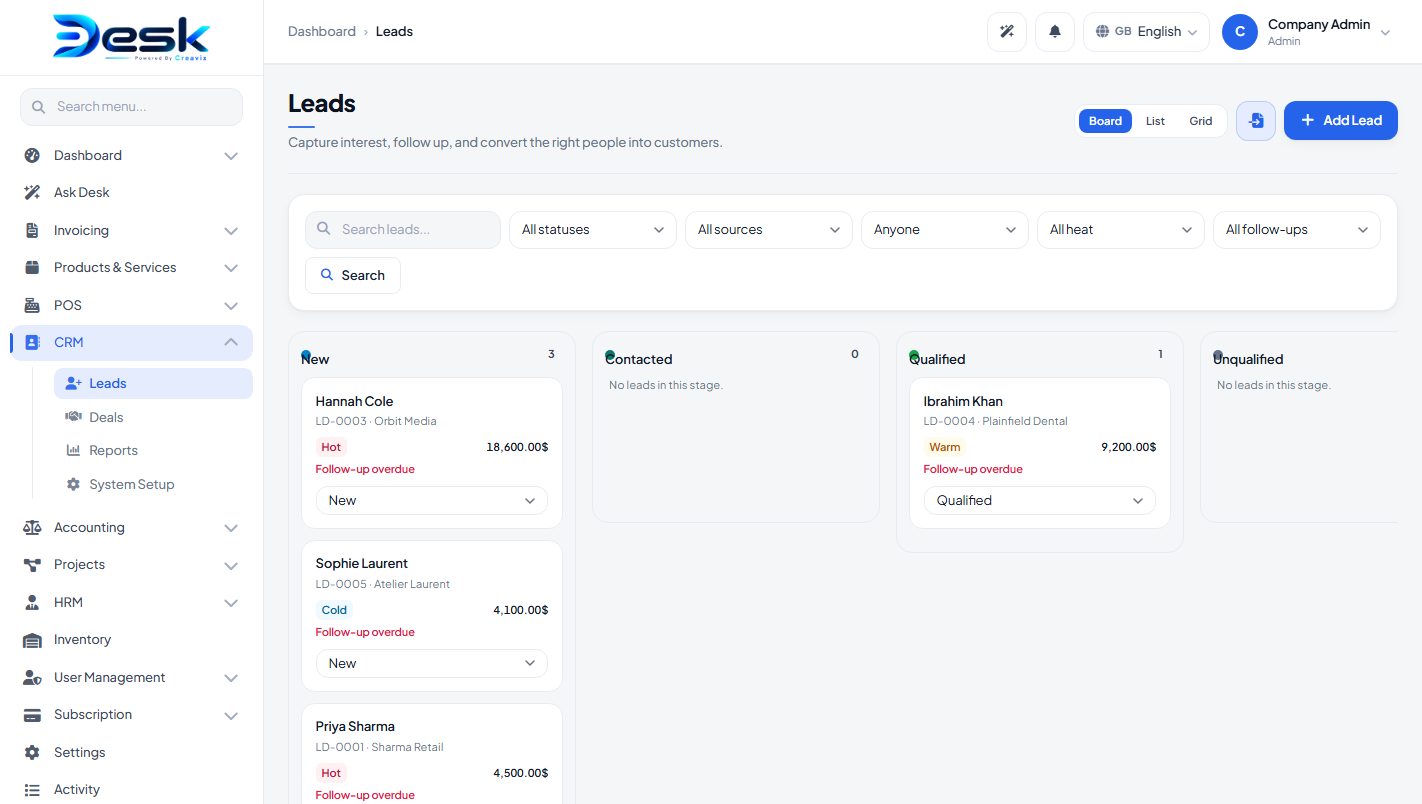
Leads
Fields: name, email, phone, company name, source, status, assigned user, temperature (hot / warm / cold), follow-up date, value, address, notes.
Actions: duplicate, move status, CSV import, log activities (note / call / meeting / task with due date), convert to customer (optional deal title and value).
Deals
Fields: title, lead, customer, stage, assigned user, lost reason, value, probability, expected close date, notes.
Actions: duplicate, move stage, activities (same types as leads). When Billing is active and the deal has a customer, use Create invoice or Create quote — the form opens with that customer, deal title, and value. Marking a deal Won does not create an invoice by itself.
Reports
- Reports — open/converted leads, pipeline / weighted / won / lost value, overdue follow-ups.
- Lead reports — plus CSV export.
- Deal reports — plus CSV export.
© Creavix Desk